A guide by someone who did it the messy way so you don’t have to.
Estimated time: 60–90 minutes
Step 1: You Don’t Need to Know Code. Trust Me.
I didn’t. And I still don’t.
If you can click buttons, you can build a site. That’s not a joke — that’s the power of modern tools. Here’s the stack I used:
WordPress: The engine.
Elementor: The drag-and-drop design tool.
Hostinger: Where your site lives.
Soledad Theme (optional): My base layout. Sleek, flexible, maybe a bit overkill — but I liked it.
Step 2: Get Hosting + Domain
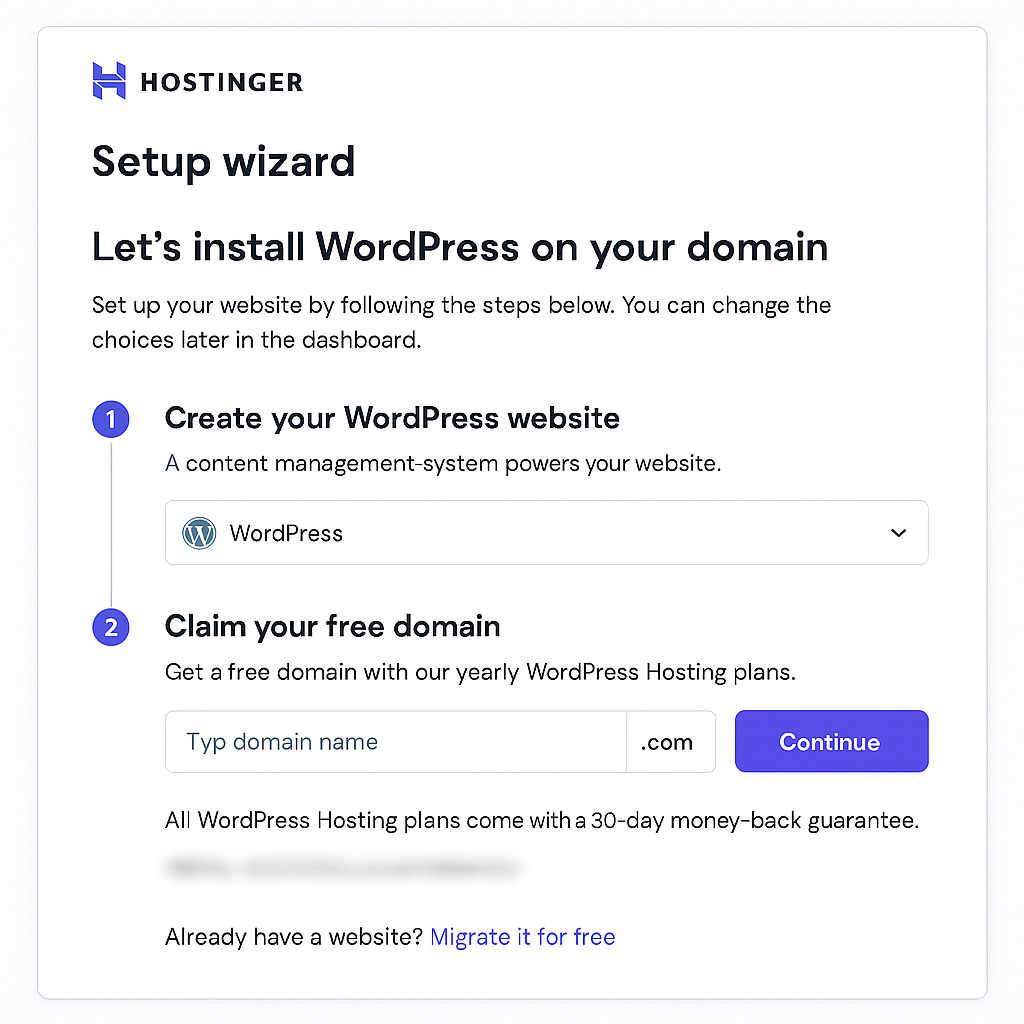
Go to Hostinger and grab their WordPress Hosting package. The cheapest plan is totally fine for now.
Pick a domain name — ideally something short, .com, and not already taken by a crypto scam.
Use their built-in setup wizard to install WordPress. It’s mostly just clicking “Next.”
Step 3: Log Into WordPress
Go to yourdomain.com/wp-admin.
Type in your login, hit Enter, and take a deep breath. You’re now staring at your very own WordPress dashboard.
Cue the mild panic. It’s normal.
Step 4: Install Elementor
Elementor is what makes designing fun — and not a rage-fueled coding nightmare.
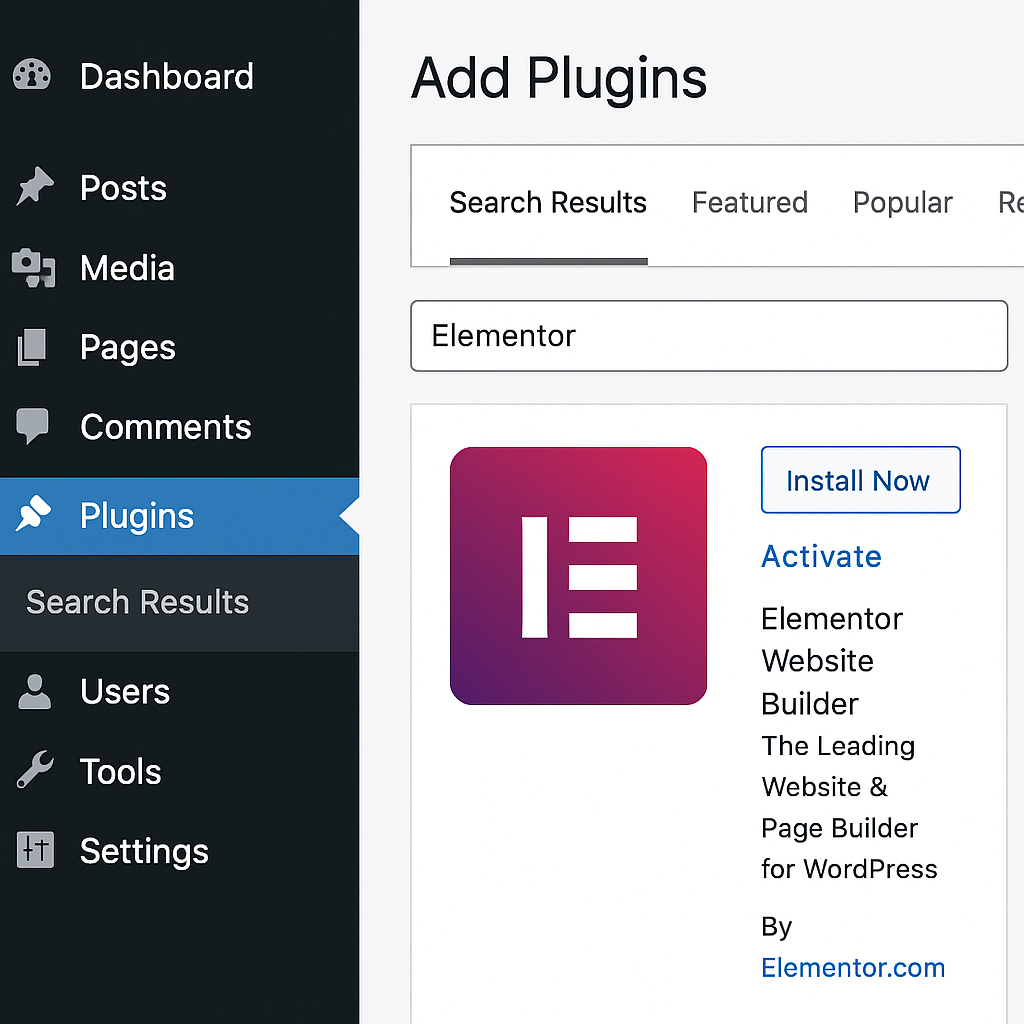
Go to Plugins > Add New
Search for Elementor
Click Install, then Activate
Step 5: Pick a Theme (Or Don’t)
I used Soledad from ThemeForest because it’s flexible and I wanted a clean magazine vibe. You can also go with:
Hello Elementor – super lightweight
Astra – beginner-friendly
Both are free and compatible with Elementor.
Step 6: Build Your Homepage
Now it gets real.
Go to Pages > Add New and create a page called “Home.”
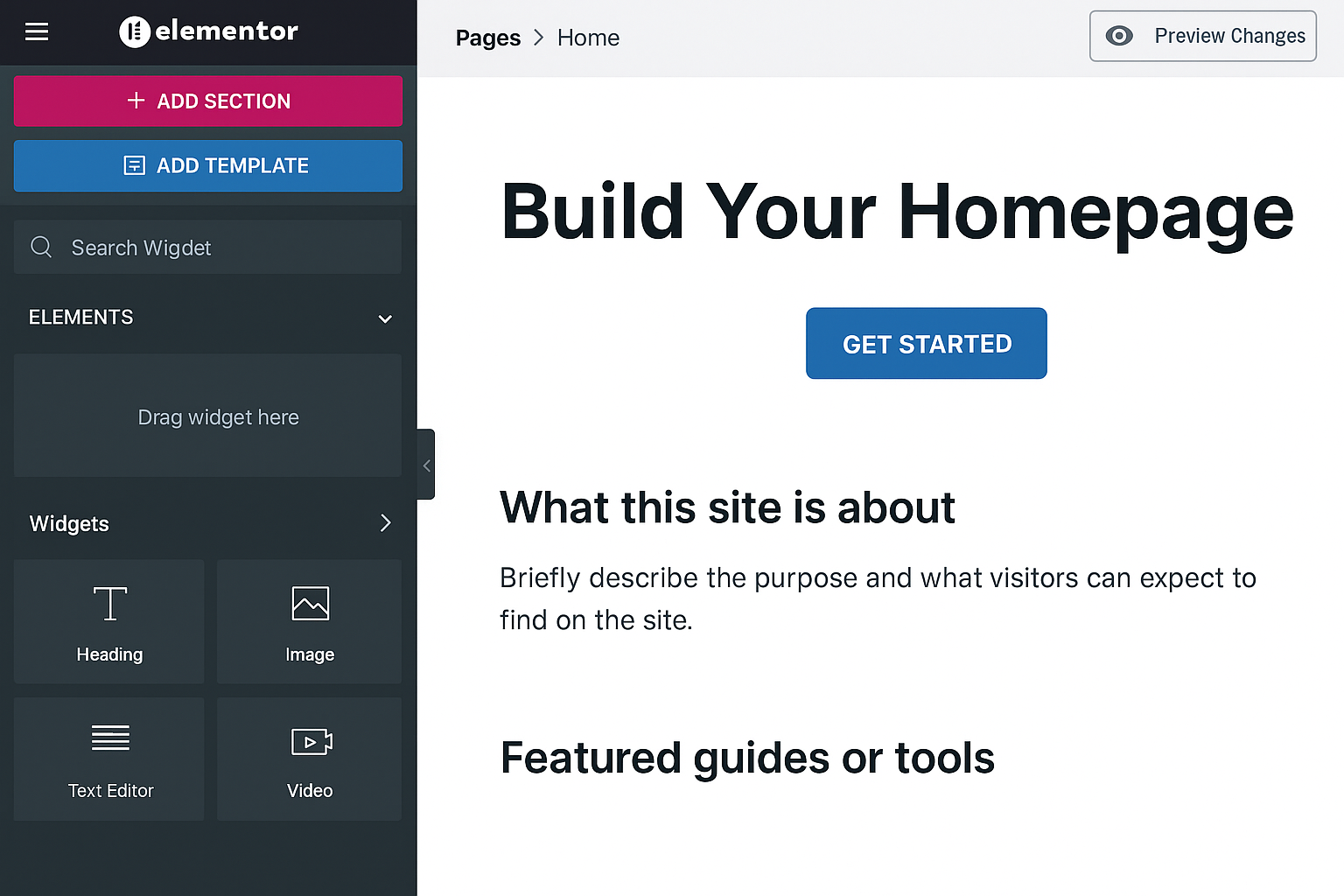
Click Edit with Elementor, and you’ll be inside a drag-and-drop editor.
Start with:
A hero section (big title + call-to-action)
A short “What this site is about” blurb
Featured guides or tools
Email signup form (use MailPoet or similar)
Step 7: Add Actual Content
This is where your site stops being empty and starts being yours.
Write one really good guide or article. Make it actually useful — not just SEO bait.
Use ChatGPT to help brainstorm and structure.
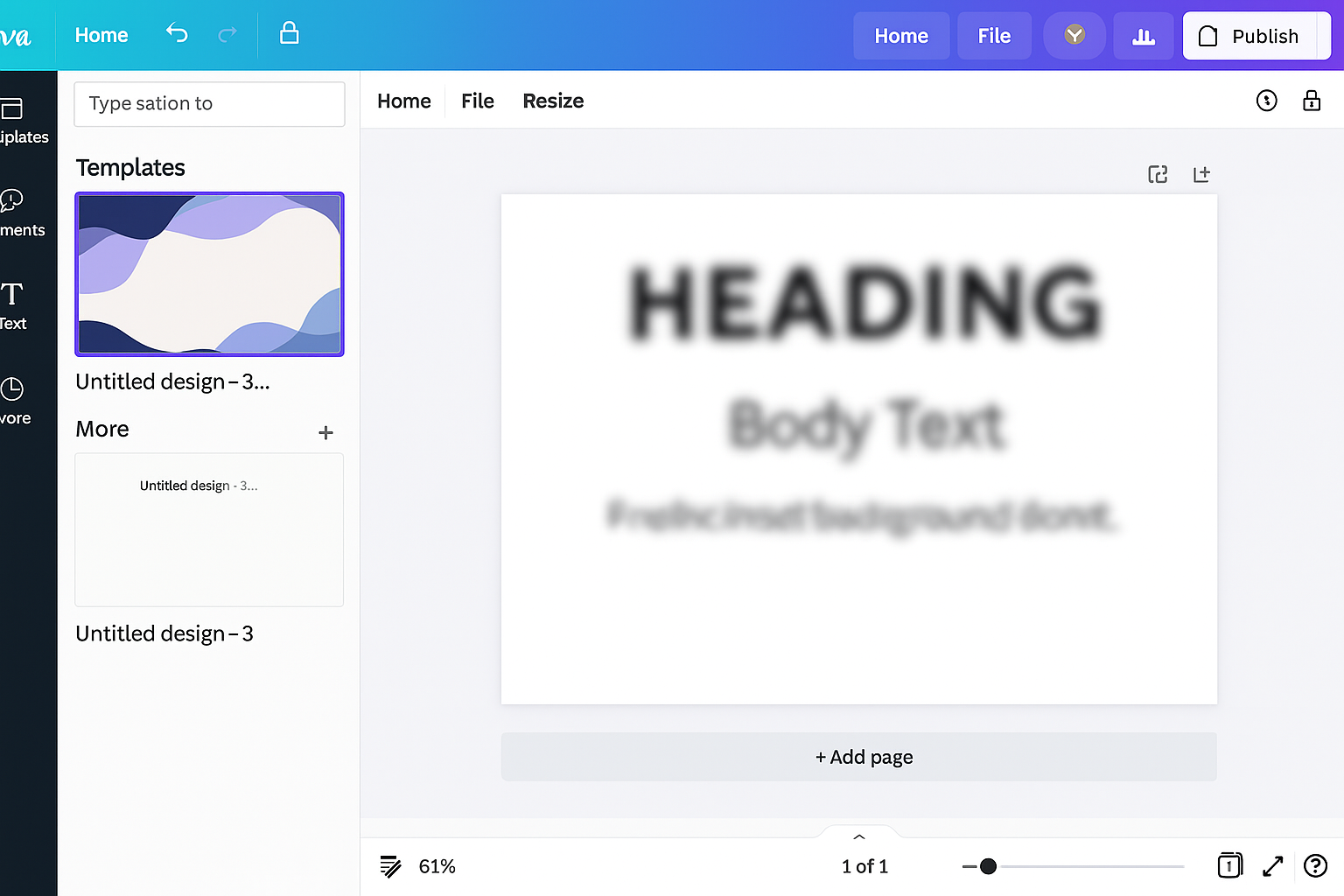
Use Canva to make some simple visuals.
Then rewrite everything in your voice.
Step 8: Install These Plugins
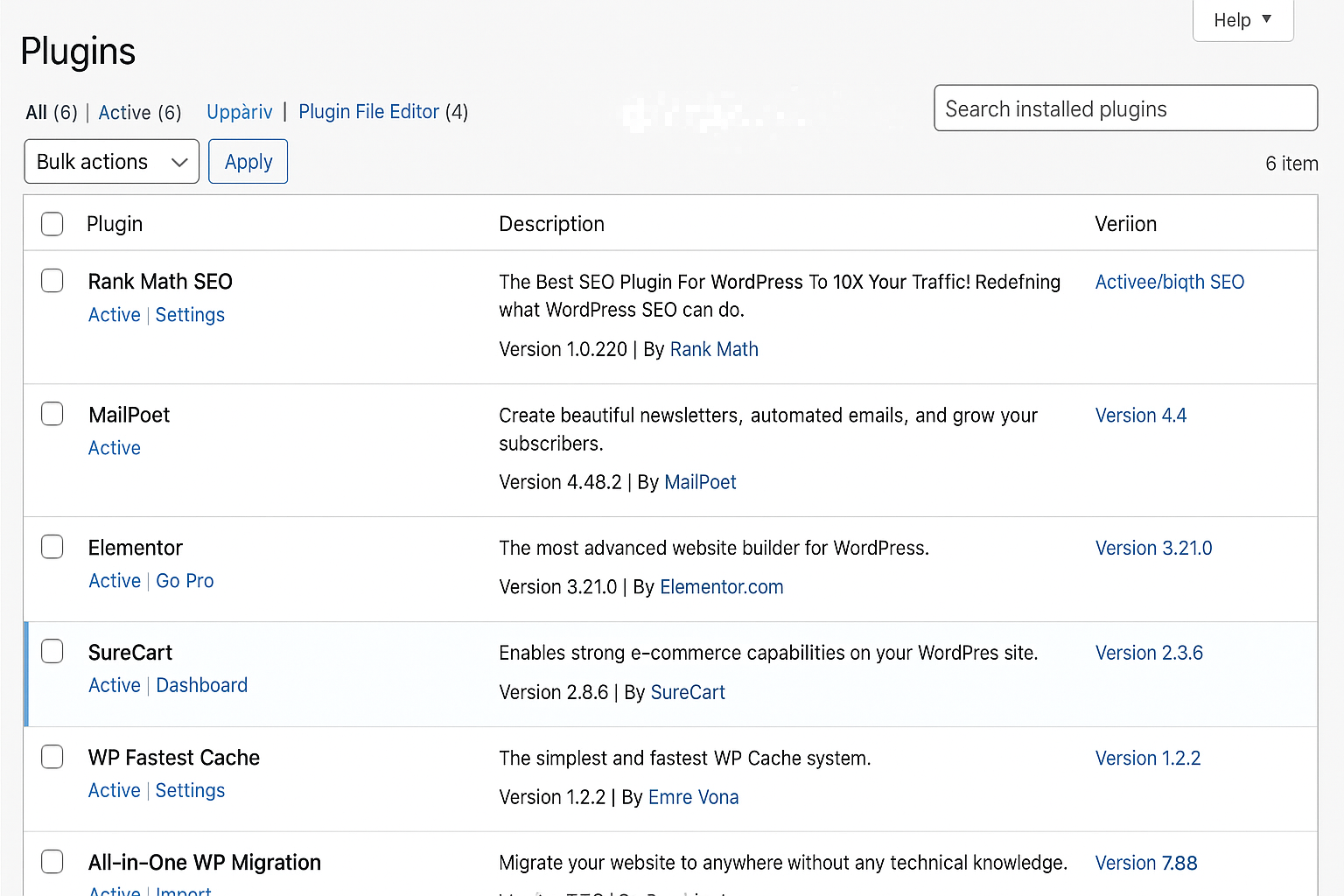
These are the only ones I’d recommend:
Rank Math or Yoast SEO – for searchability
MailPoet – for collecting emails
WP Fastest Cache – for site speed
All-in-One WP Migration – for backups
Don’t go on a plugin binge. Keep it simple.
Step 9: Add Navigation & Footer
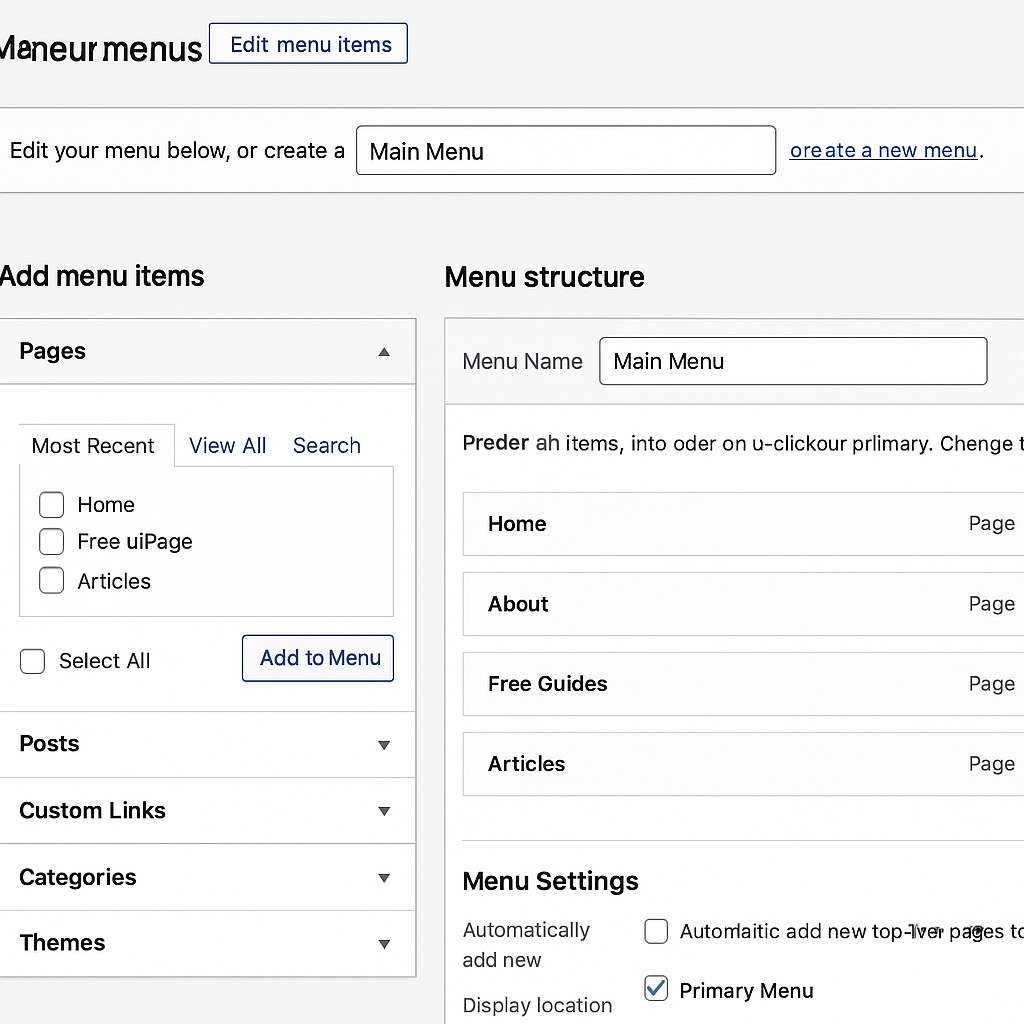
Go to Appearance > Menus to set up your navigation.
Add links to:
Home
About
Free Guides
Articles
Use Elementor’s footer builder to add social icons and a copyright.
Step 10: Go Live
Your site is now technically live. (Yes, really.)
Share it with a friend. Fix what breaks. Keep it moving.
Step 11: Install SureCart (Free + Paid Plans)
Go to Plugins > Add New
Search for SureCart
Install + Activate
This is your Shopify-lite inside WordPress. You can:
Sell digital guides or PDFs
Accept Stripe/PayPal
Auto-send confirmation and download link
Step 12: Create Your First Product
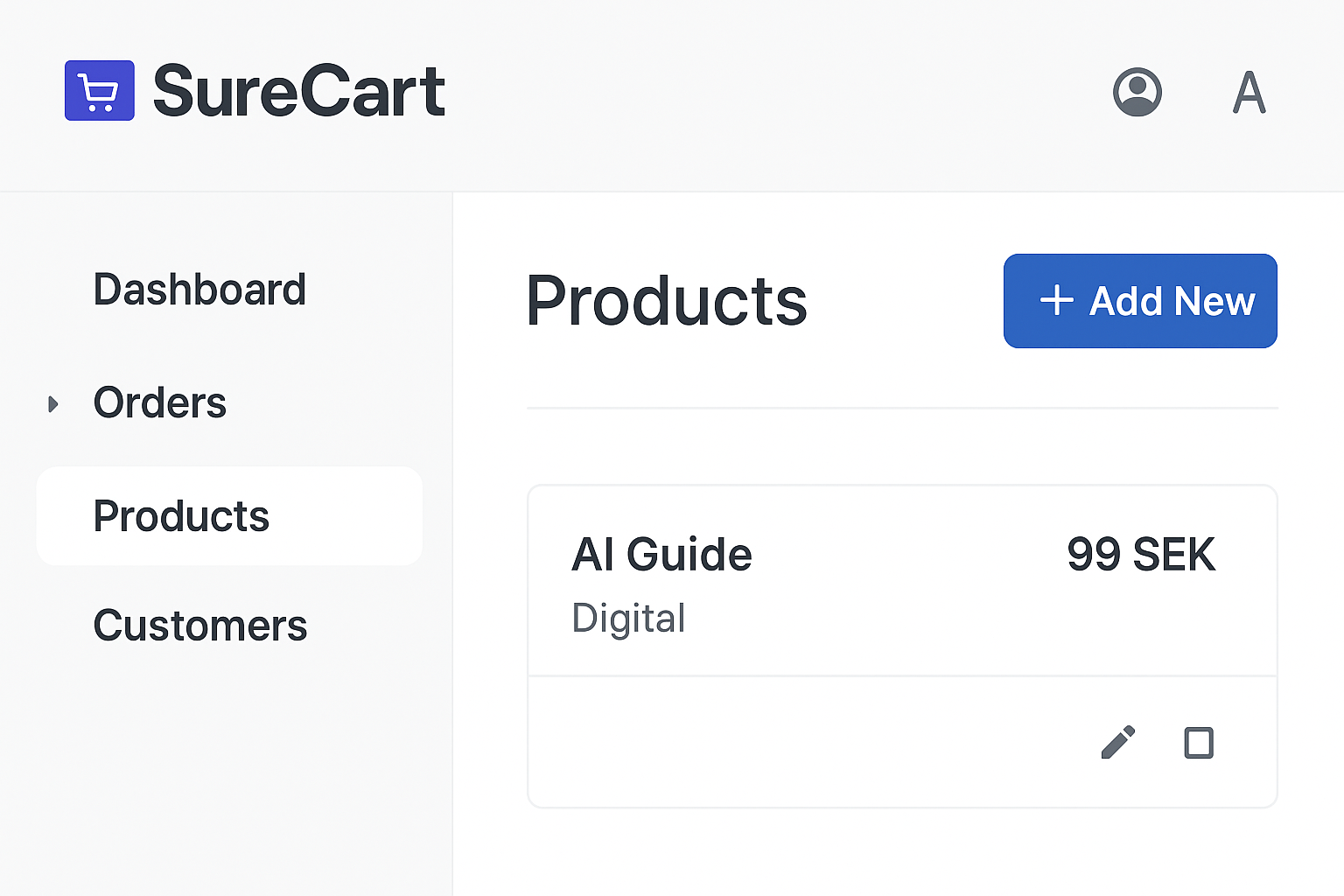
Go to SureCart > Products and click Add New.
Fill in:
Product name (e.g. “AI Guide”)
Price (e.g. 99 SEK)
Upload the file or link to Google Drive
Write a confirmation email (or use the default)
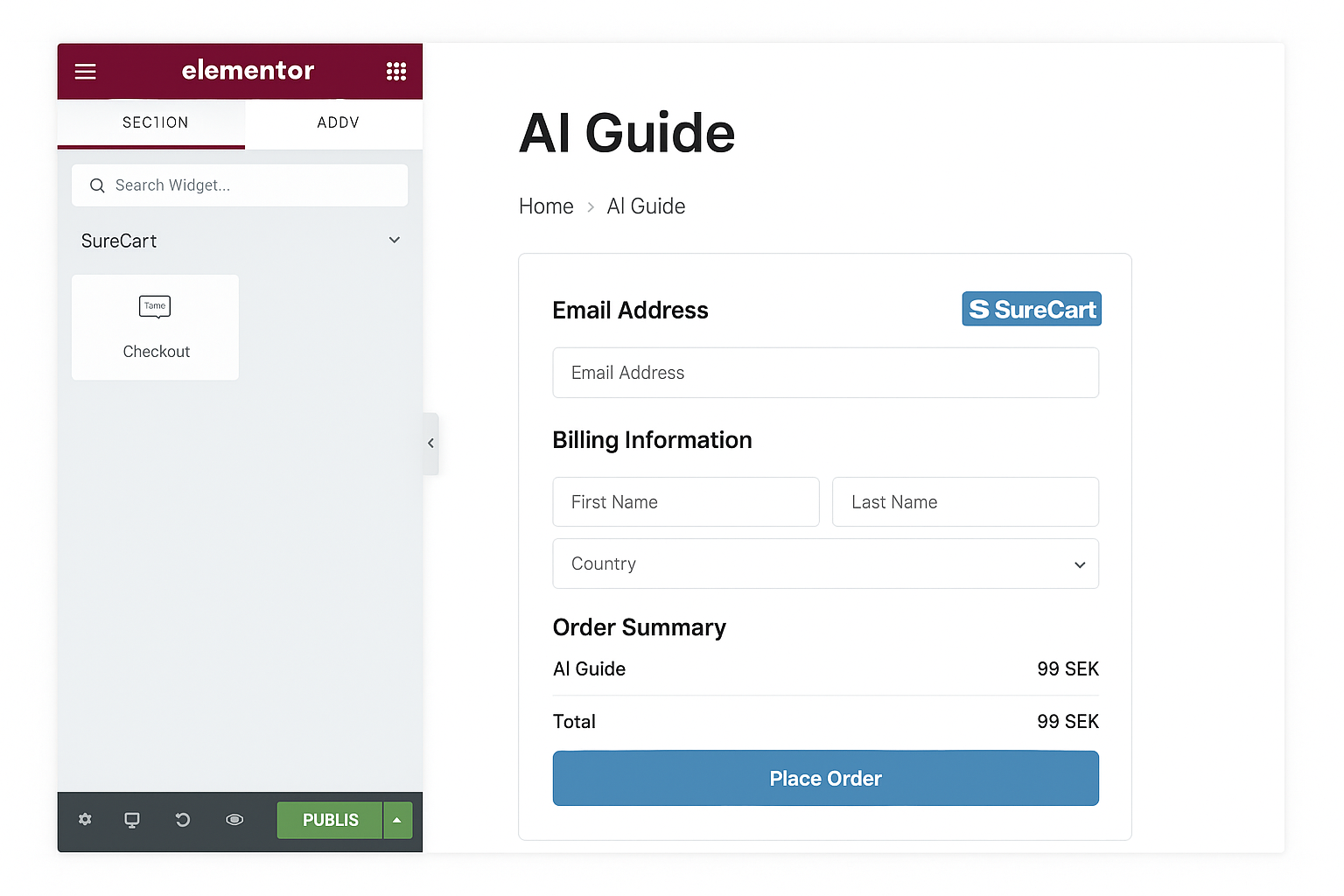
Step 13: Add the Checkout to Your Page
Each SureCart product gives you a shortcode.
Use Elementor to:
Create a new product page
Paste the shortcode
Or add the SureCart block directly
Step 14: Test Everything
Do a test purchase. Just buy your own product.
Check that:
Checkout works
Payment goes through
Email arrives
File downloads properly
Trust me — your first sale should be a win, not a tech headache.
Step 15: That’s It. You’re Now a Solopreneur.
No devs. No coding. No begging Fiverr freelancers.
You:
Built a site
Wrote a guide
Made it sellable
Connected everything
Welcome to the internet.
Read Next:
Final Thoughts
This isn’t magic — it’s systems. Tools are just tools.
The real leverage is:
You putting in the time
You sharing your voice
You making something useful
So start. Messy. Imperfect. Scrappy.
That’s how I did it. And if I can — you definitely can.