How to Start a Dropshipping Business Using AI (Even If You Have Zero Experience)
You want to start a dropshipping business, but you’re not a product genius, a copywriting wizard, or an ads expert.
Good news: with AI, you don’t have to be.
This guide walks you through every single step — from finding a product to launching ads to tracking your first sales.
No skipped steps. No magic. No gurus.
Let’s get started.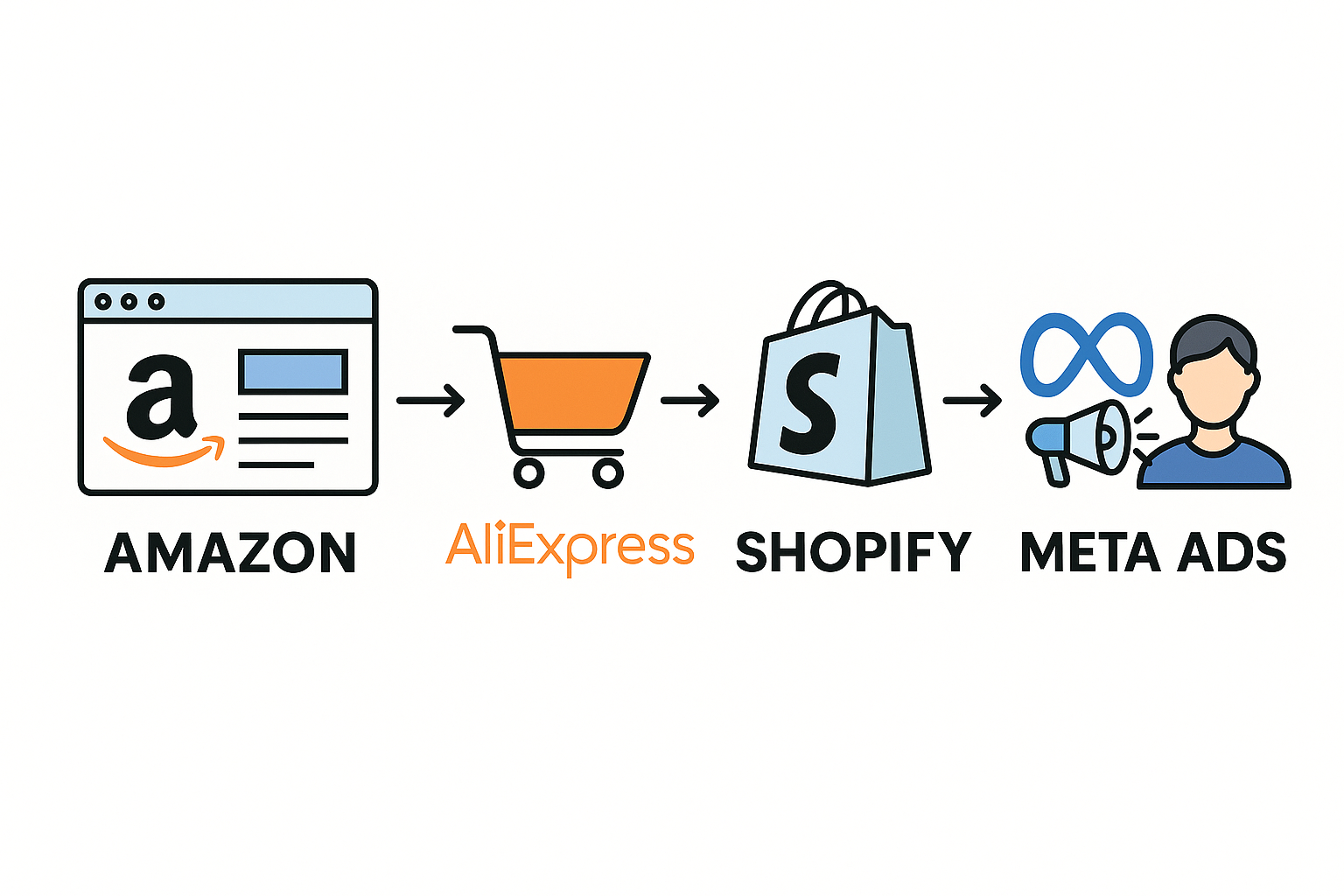
What Is Dropshipping (and Why Should You Care)?
Dropshipping means you sell a product without holding any inventory. You:
- Find a supplier (usually in China)
- Build a simple online store
- Run ads to that product
- When someone buys → the supplier ships it directly to the customer
Your profit = your price – supplier’s price.
Let’s say you sell a product for $30. The supplier sells it for $10. You keep $20.
(Well… before ad costs. More on that soon.)
The beauty? You can test products fast, without buying stock or dealing with logistics.
Step 1: Find a Product Using AI
This is where most people quit. Don’t.
1. Go to Amazon
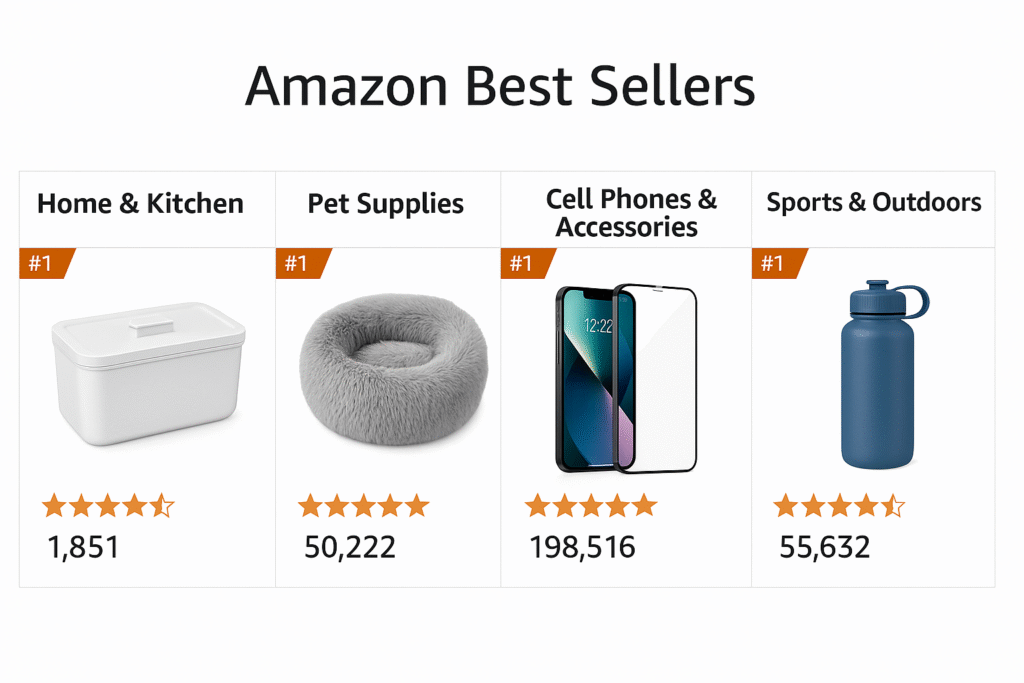
Head to amazon.com and look at Best Sellers or Most Wished For in categories like:
- Home gadgets
- Pet stuff
- Phone accessories
- Fitness gear
2. Pick a product with over 1,000 reviews
Why? That means it’s already selling. People want it. The demand is real.
Copy a bunch of reviews.
3. Ask ChatGPT to summarize customer insights
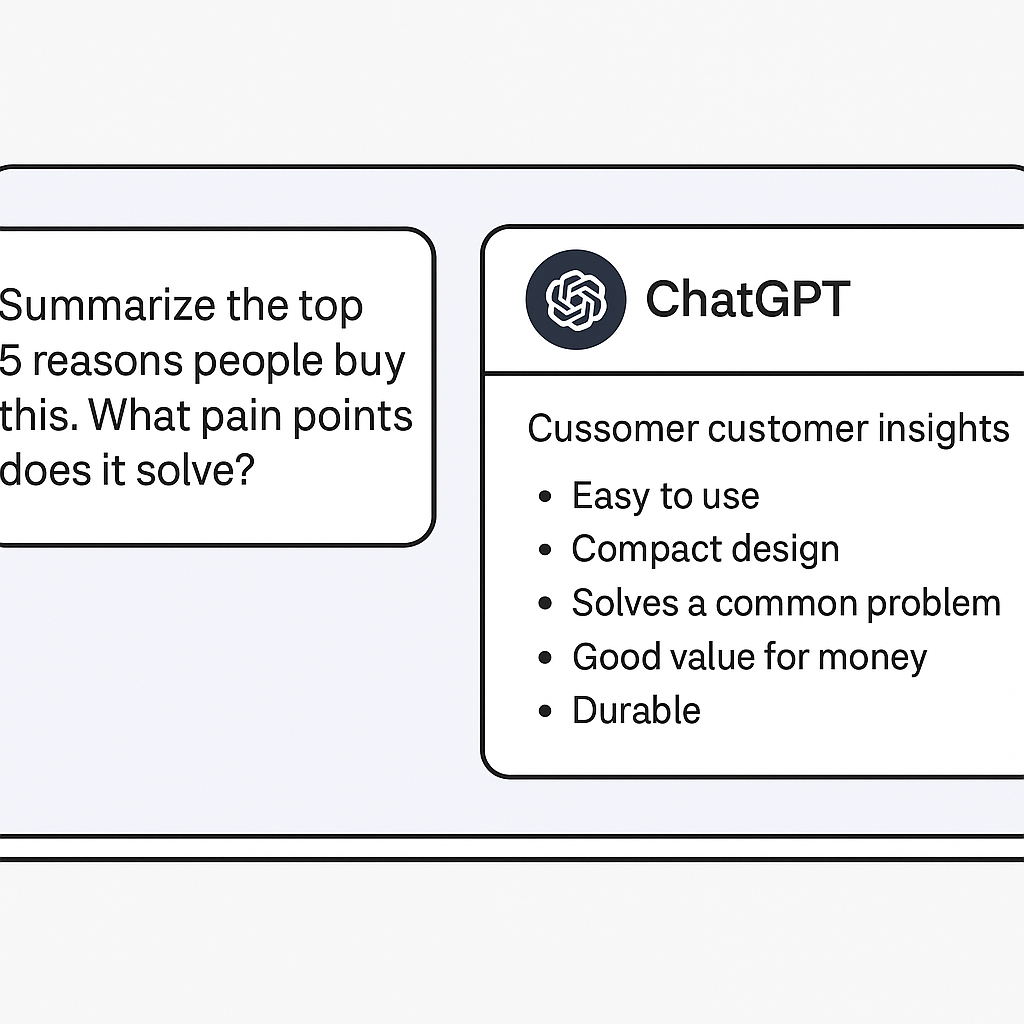
Paste the reviews into ChatGPT and say:
“Summarize the top 5 reasons people buy this. What pain points does it solve?”
It’ll give you the key benefits, frustrations, and angles you can use in your copy and ads.
4. Validate on AliExpress
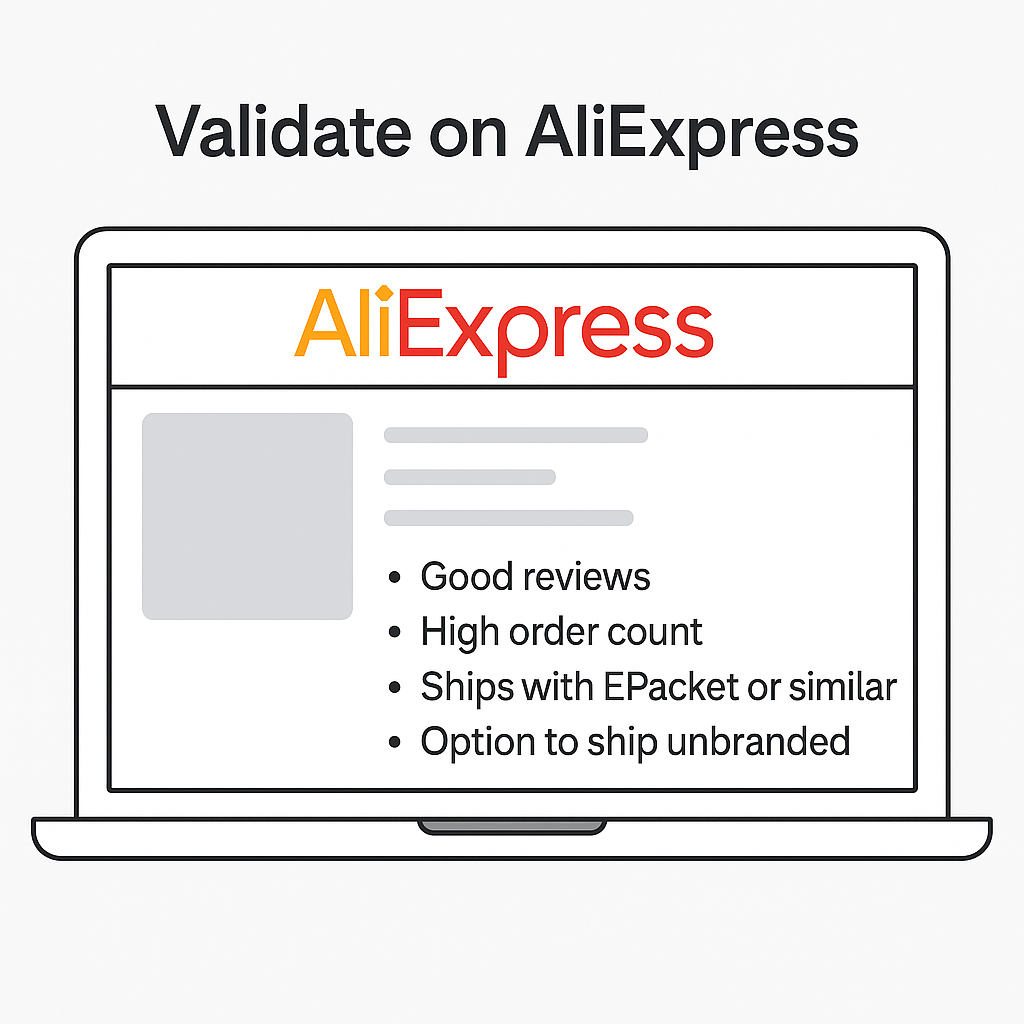
Go to aliexpress.com and search for the product. Look for:
- Good reviews
- High order count
- Supplier ships with ePacket or similar
- Option to ship unbranded (no weird logos on the package)
Boom. You’ve got a product.
Step 2: Set Up Your Shopify Store (No Tech Skills Needed)
1. Create a Shopify account
Head to shopify.com and sign up. You get a 3-day free trial + $1/month for 3 months.
2. Choose a simple theme
Use a clean, free theme like:
- “Sense”
- “Dawn”
They look professional right out of the box.
3. Create a logo in Canva
Go to canva.com, search for “Logo,” and make a clean, text-based logo.
Download it as PNG and upload it to Shopify.
4. Import your product using DSers or Zendrop
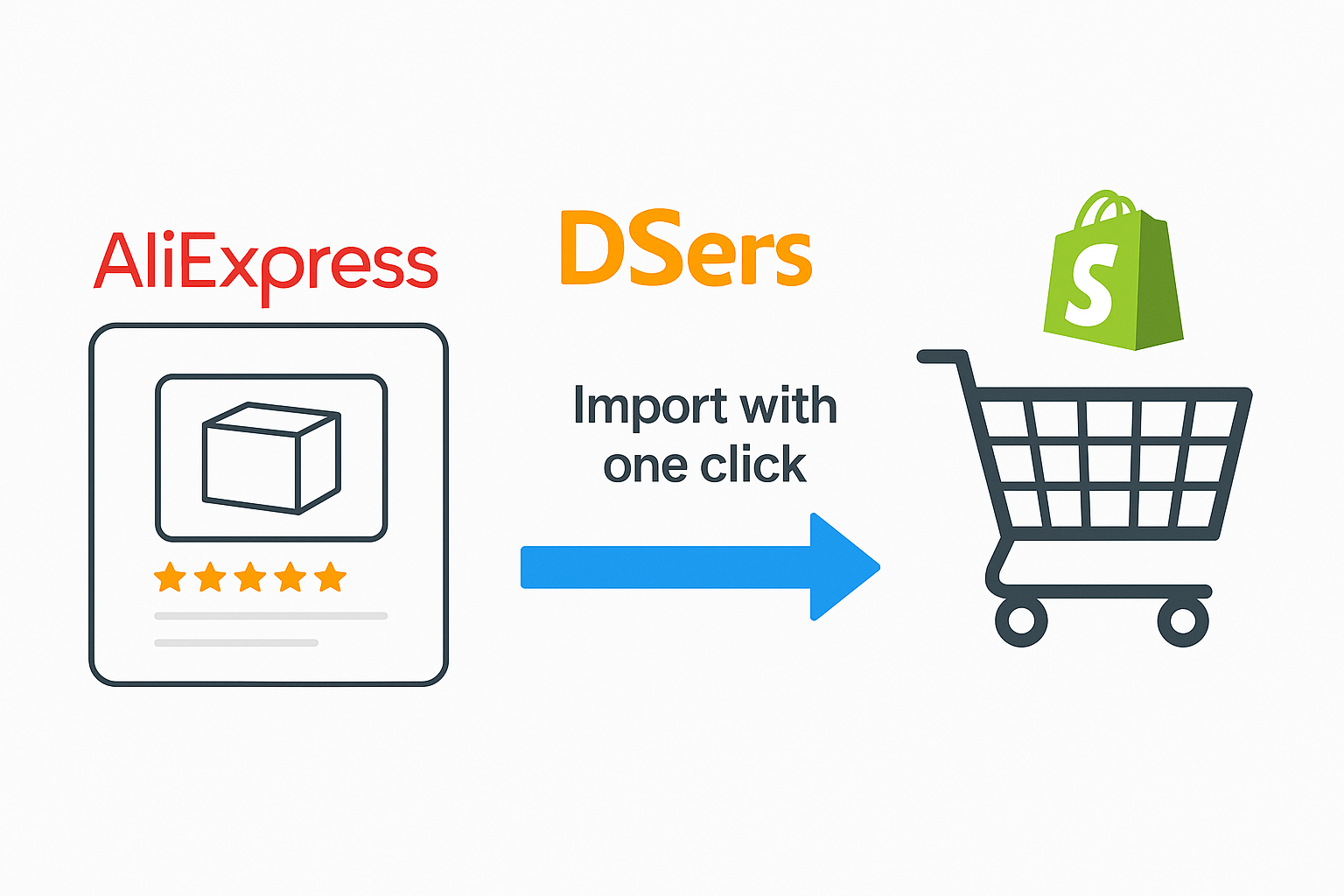
- Go to dsers.com and connect to Shopify
- Find your product on AliExpress
- Import it with one click
- Choose unbranded shipping if possible (always)
5. Set your pricing
Basic rule:
Price = Product cost x 3
If it costs $5 → Sell it for $15–$20 depending on perceived value.
6. Write product copy with ChatGPT
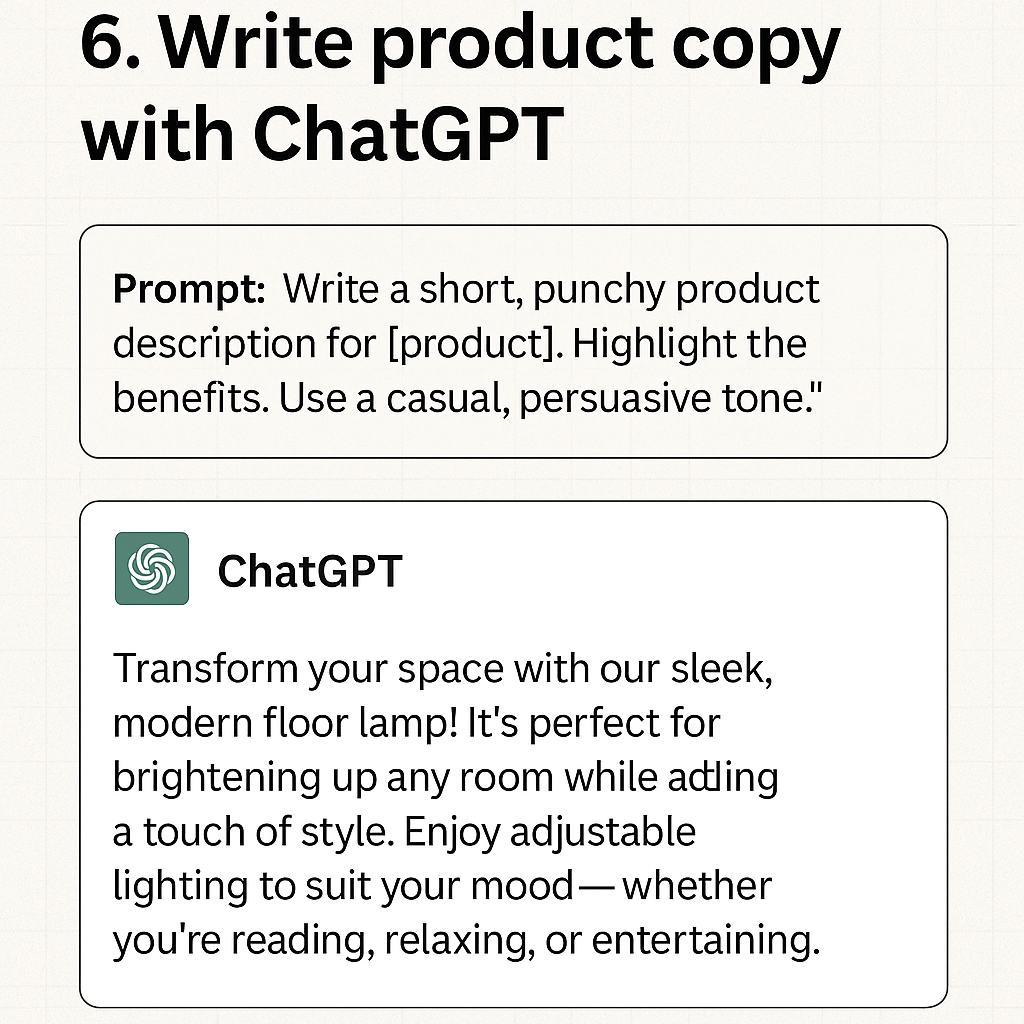
Prompt:
“Write a short, punchy product description for [product]. Highlight the benefits. Use a casual, persuasive tone.”
Then paste it into your product page. Done.
7. Add the essential pages
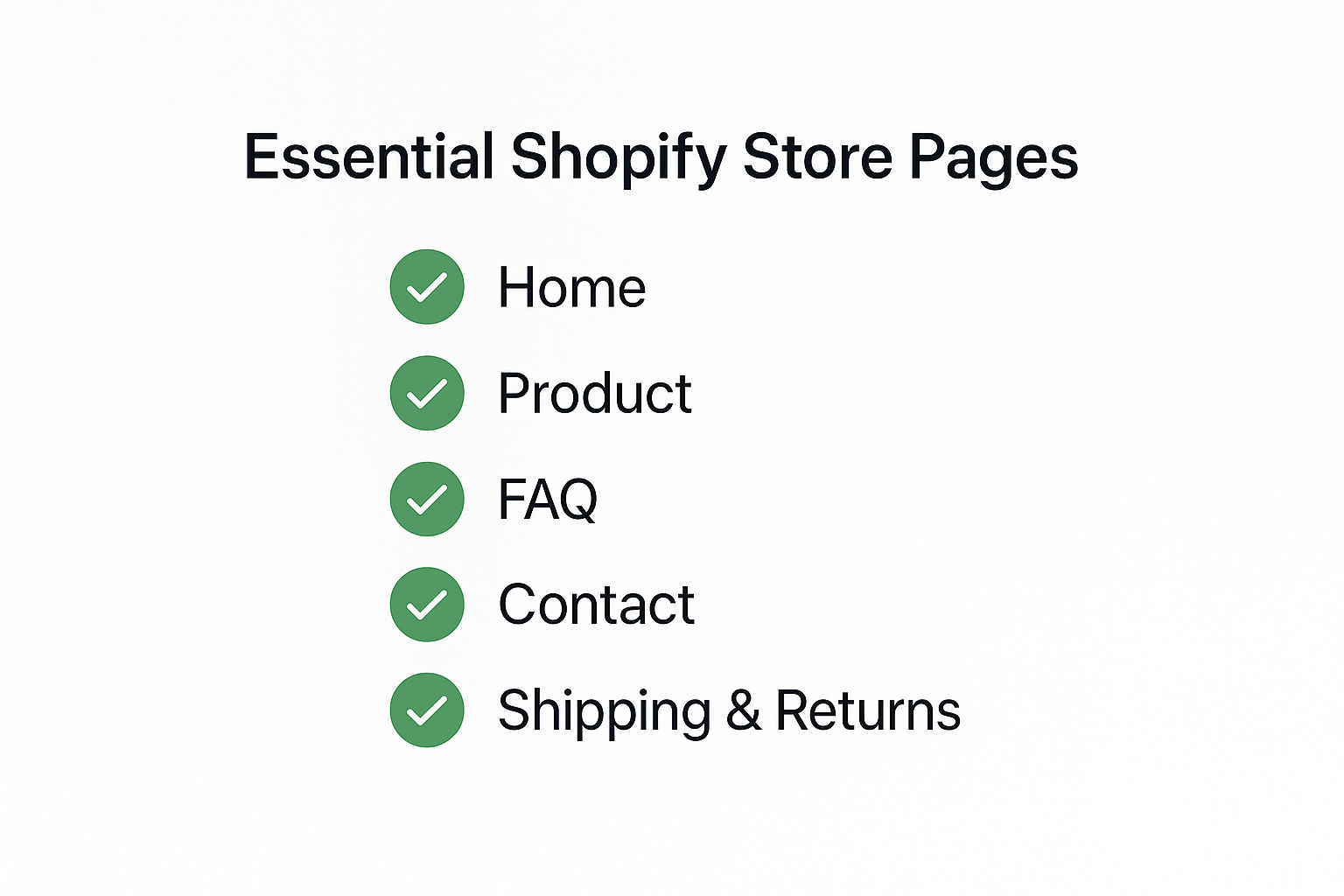
Don’t overthink this. You need:
- Home
- Product
- FAQ
- Contact
- Shipping & Returns
You can always improve later.
Step 3: Make a Scroll-Stopping Ad
You don’t need to show your face. Or speak. You just need to show the product working.
Option 1: Record your hands using the product
- Order it yourself
- Use your phone to film
- Clean background, decent lighting
Option 2: Use an AI video tool
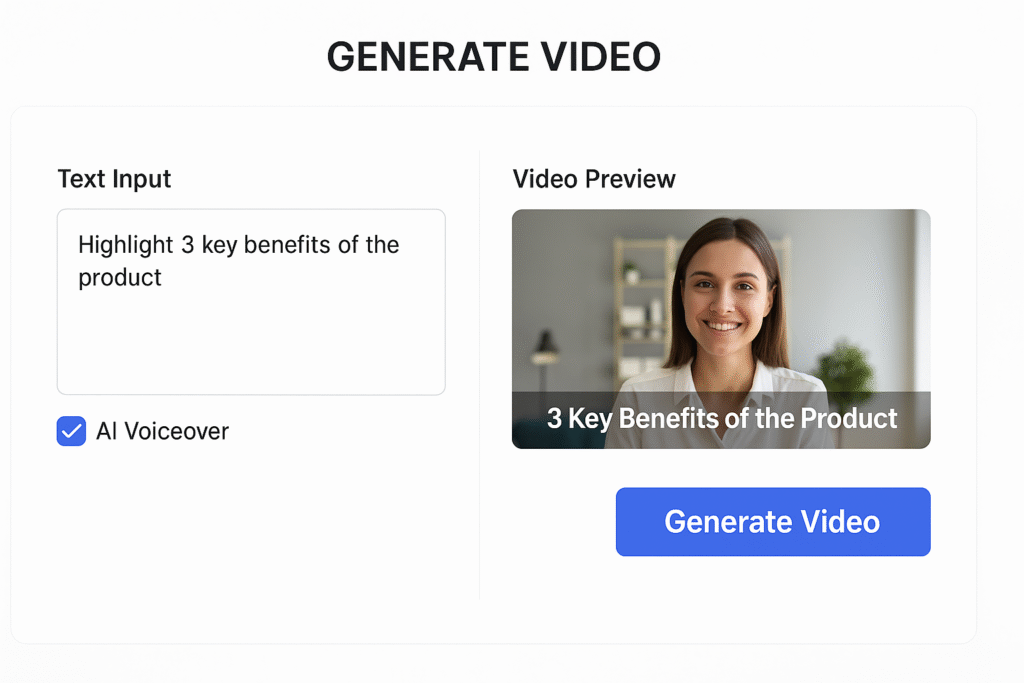
Try:
- Pictory
- HeyGen
- InVideo
Just drop in your product benefits and let it generate the video.
Pro Tips:
- Show 3 benefits in the first 6 seconds
- Keep the video under 30 seconds
- Optional: Add AI voiceover using ElevenLabs or Lovo
You can get a solid ad done in under 30 minutes.
Step 4: Run Your First Ad on Meta (Facebook/Instagram)
This is the engine that drives your first sales.
1. Set up Meta Business
Go to business.facebook.com
- Create an account
- Connect your Instagram + Facebook pages
- Install the Facebook Pixel (Shopify helps you do this)
2. Create your first campaign
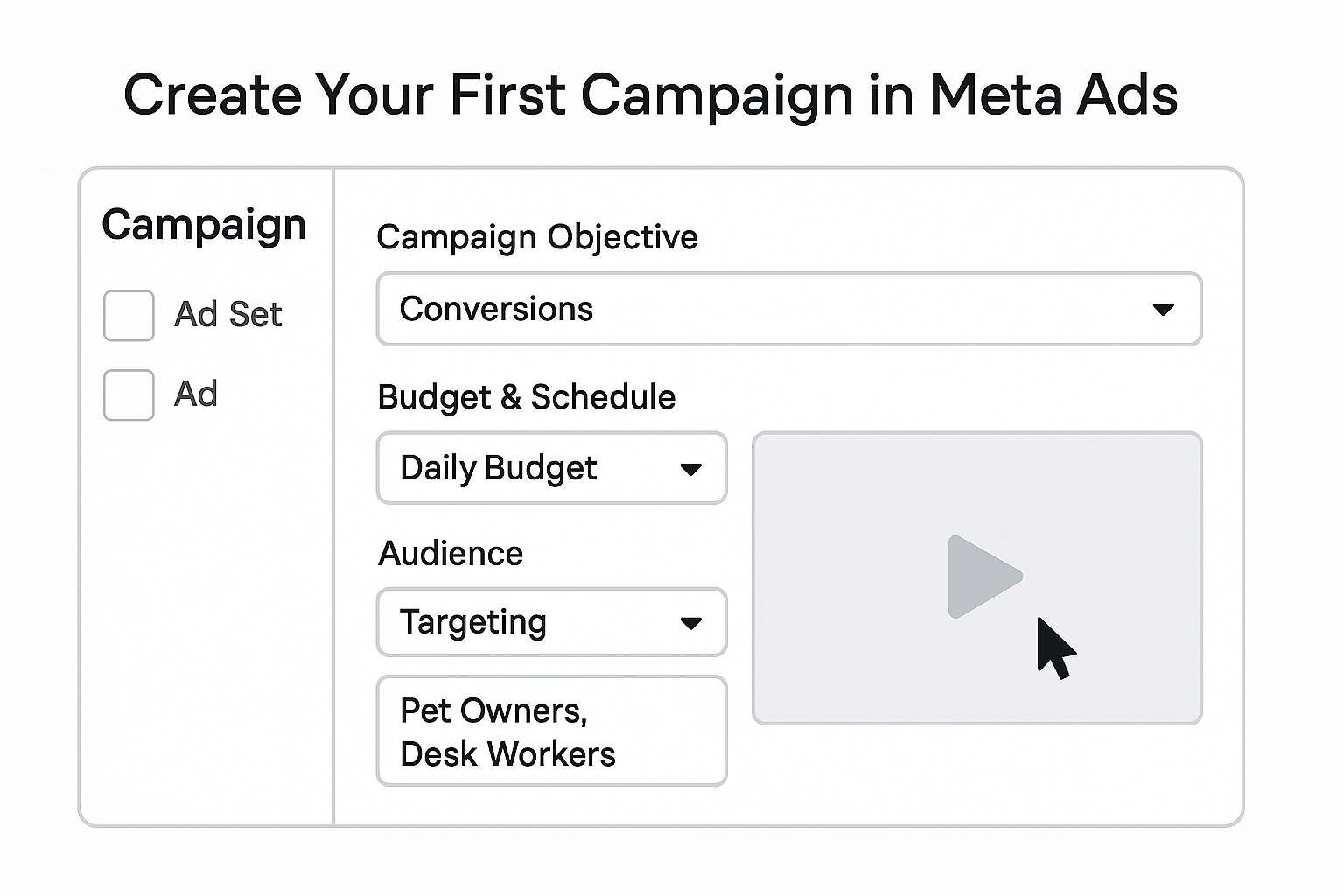
- Goal: Conversions or Traffic
- Budget: $5–10/day
- Targeting: Interests like “Pet Owners,” “Desk Workers,” etc.
3. Upload your video ad
- Add a short, benefit-driven headline
- Include a CTA like “Shop Now”
- Link to your product page
4. Let it run 2–3 days
Don’t panic if nothing happens right away.
Watch metrics like:
- Cost per click
- Add to carts
- Purchases
If it flops? Kill it. Test a new angle. It’s part of the process.
Step 5: Track Your Results
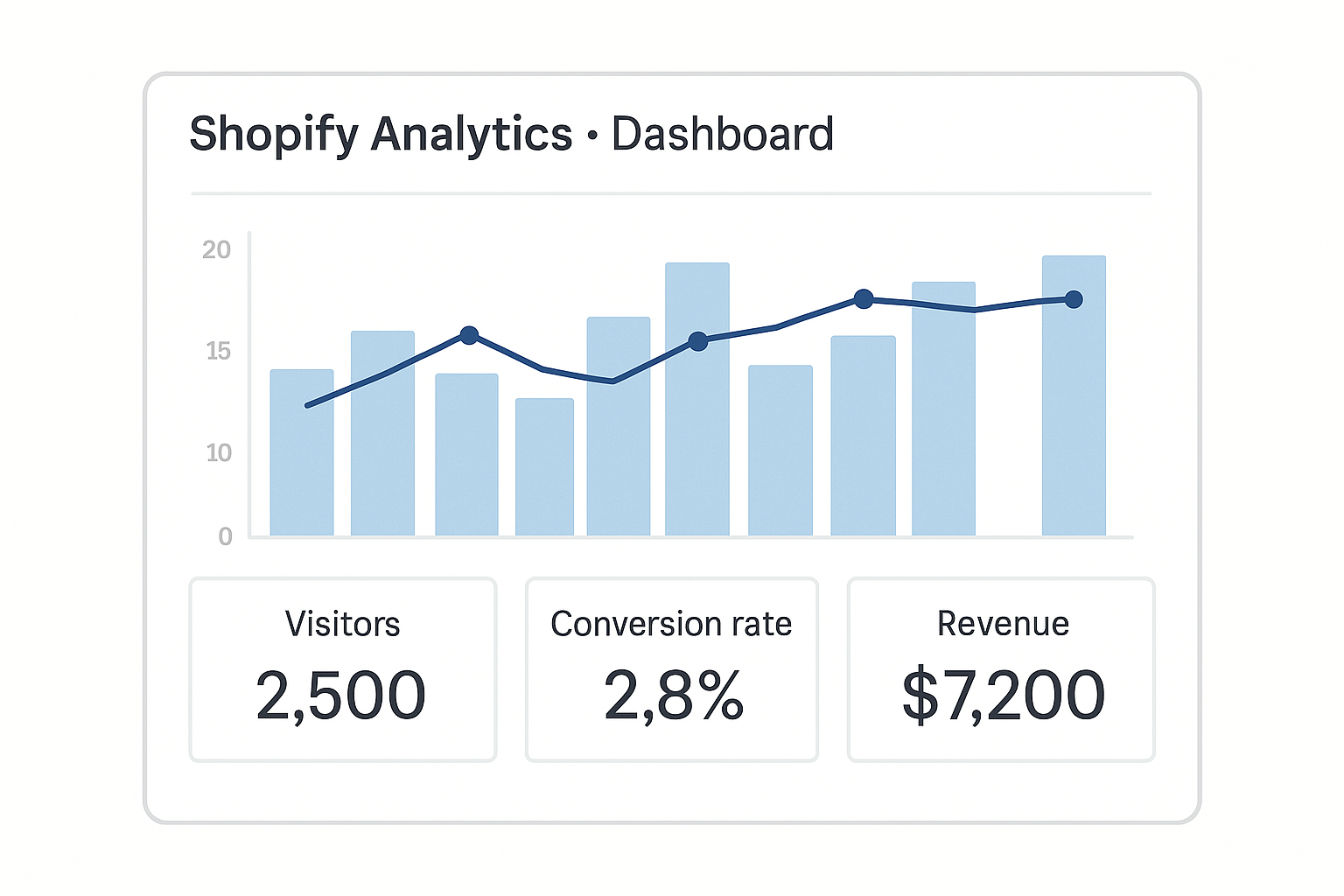
Go to Shopify → Analytics → Dashboard.
Key stats to look at:
- Visitors
- Conversion rate
- Revenue
If people visit but don’t buy → your page isn’t convincing enough.
If people add to cart but don’t check out → maybe shipping is too slow or price is too high.
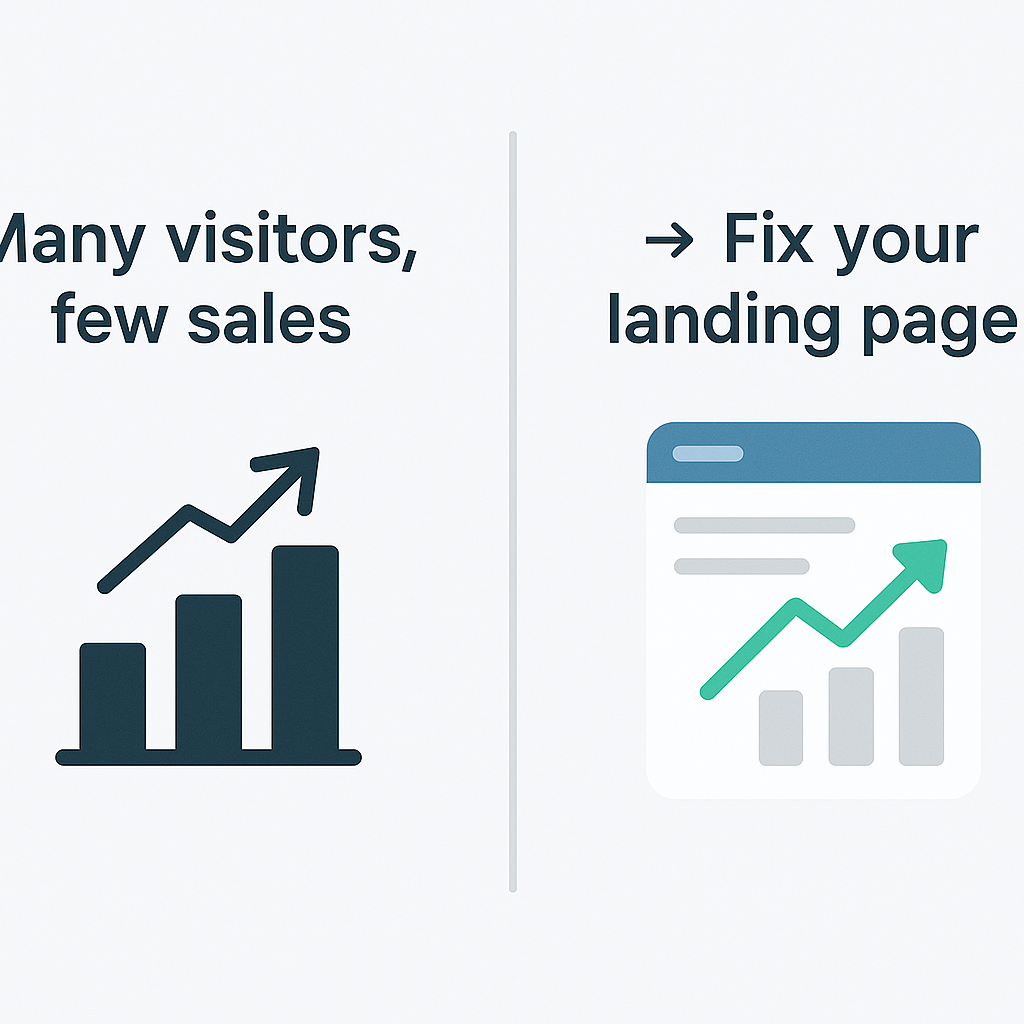
Learn. Adjust. Relaunch.
Final Words
You don’t need to be a tech person. Or a marketing guru. Or have $5,000 to blow.
You just need to take it step by step.
If I can do this without any experience — while doubting every single decision along the way — then so can you.
And if it doesn’t work?
You’ve still learned one of the most useful business skills of the 2020s.
But if it does work?
It might just change your life.